v0.28August 11, 2025
🐞 Fixes
- Quick AI: Fixed an issue that prevented follow-up actions from being executed
- Quick AI: Fixed reasoning getting stuck in a loading state in some cases

We are transitioning into beta and in the coming days we will start a slow rollout to our waitlist. This release includes branding changes and a load of final touches and polish to take our app into this next phase.
D key instead of delete to prevent conflicts with some editors and made this consistent through the app.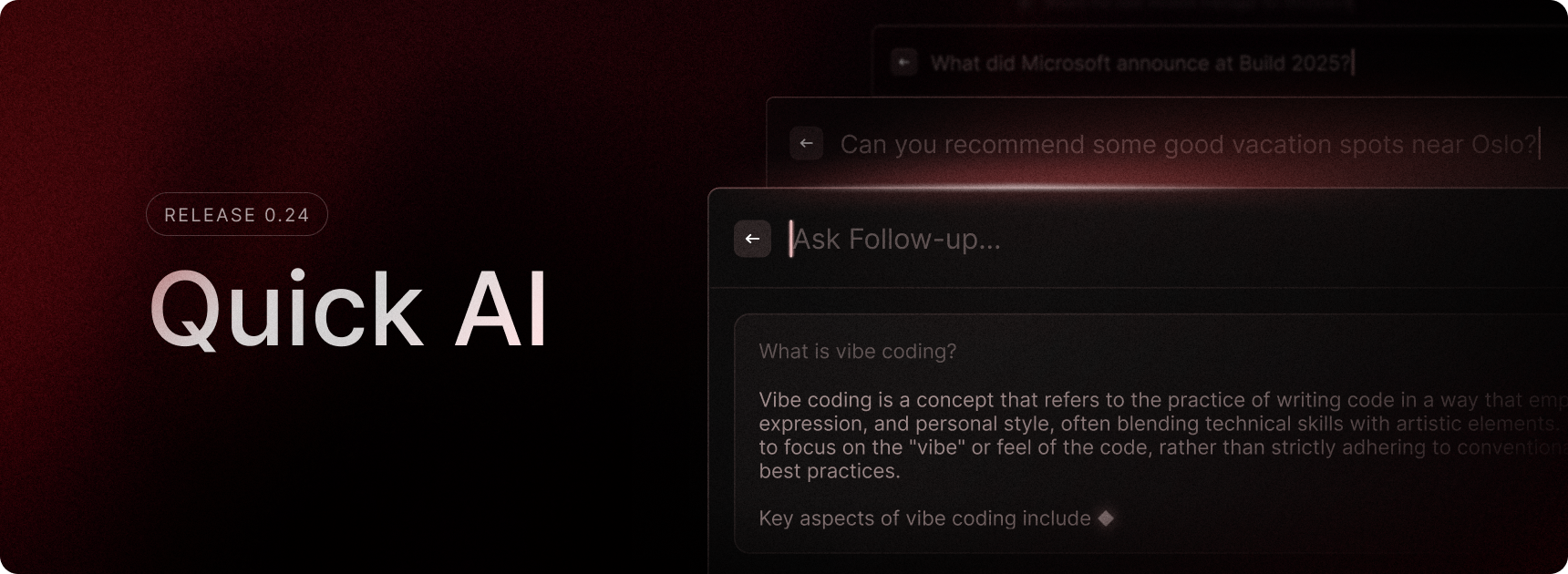
Need a quick answer? Quick AI is here to help! Just open Raycast, type your question, and press Tab to get the response. Whether it’s a programming question, content iteration, or a dinner recommendation — it’s all just a Tab away.
We introduced Quick AI on macOS two years ago and we are now bringing it to Raycast on Windows. During the Beta phase, we are giving all testers free access to Quick AI, along with the ability to use the AI models available in our Pro subscription. You can switch between available AI models in Settings.
This is just the first step in bringing Raycast’s powerful AI tools to Windows. We will improve Quick AI along the way and gradually start adding more of our advanced features such as AI Chat, AI Commands, AI Extensions, and others into the Windows experience.
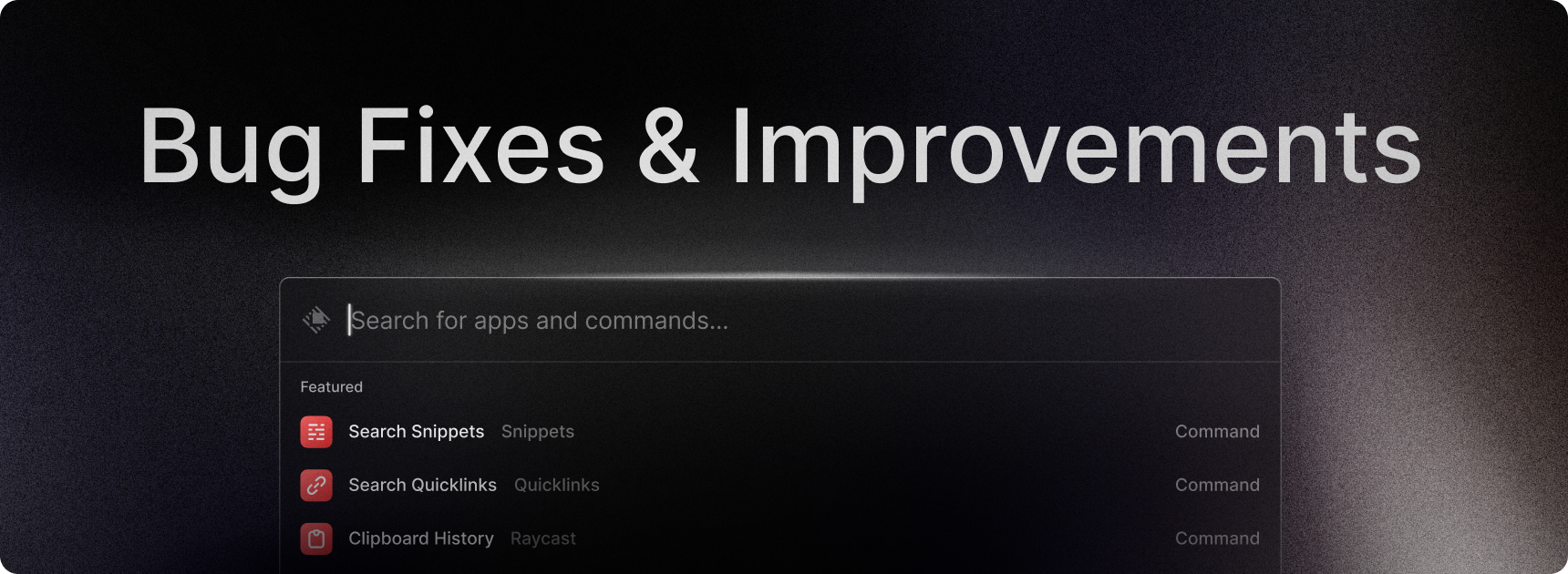
This release aims to fix a number of instability issues that you have experienced around Raycast crashing and issues with shortcuts going to sleep.
It also includes one other important change where we are moving from an non-encrypted to an encrypted database. This is for an extra layer of security on your data, especially because soon we will ship OAuth for extensions and will need to store your API tokens.
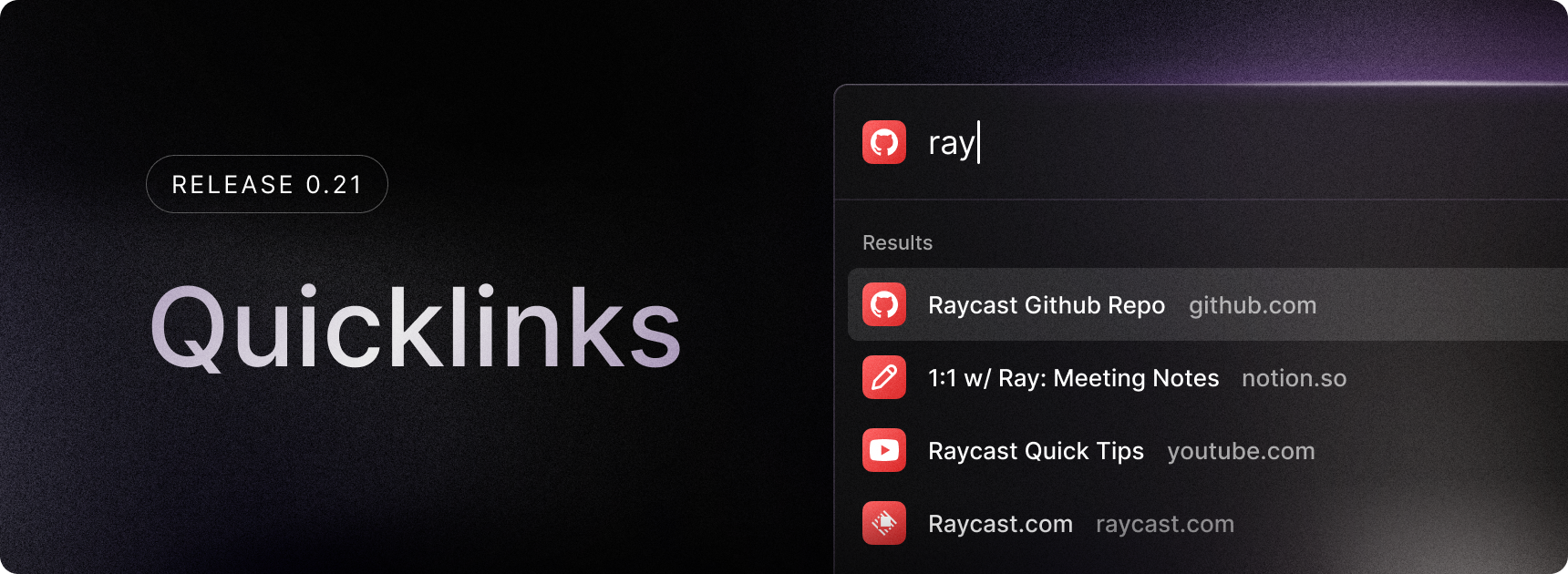
Following snippets, we’re now releasing the first iteration of Quicklinks: a powerful way to save time by storing frequently accessed links!
In this release, you can:
We will continue iterating on this, and in future releases, we’ll be adding support for pinned Quicklinks, creating directory links, opening Quicklinks with different apps, categories, and improved organization features.
Delete Snippet shortcut to be Ctrl + Delete instead of Ctrl + Shift + Delete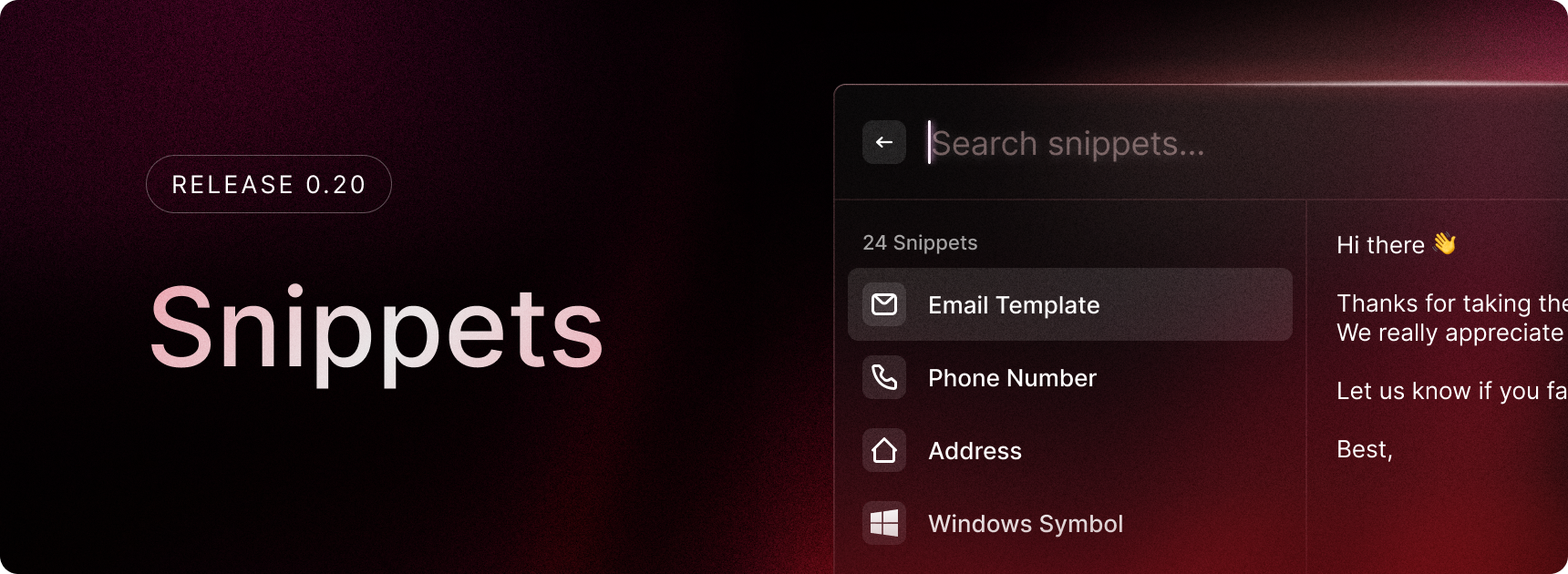
The first iteration of Snippets is here! Snippets are a powerful way to save time by storing frequently used text.
In this release of Snippets, you can:
In future releases, we’ll be adding rich-text support, a better way to organize your snippets and keyword-based snippet expansion.
ctrl shift K in root search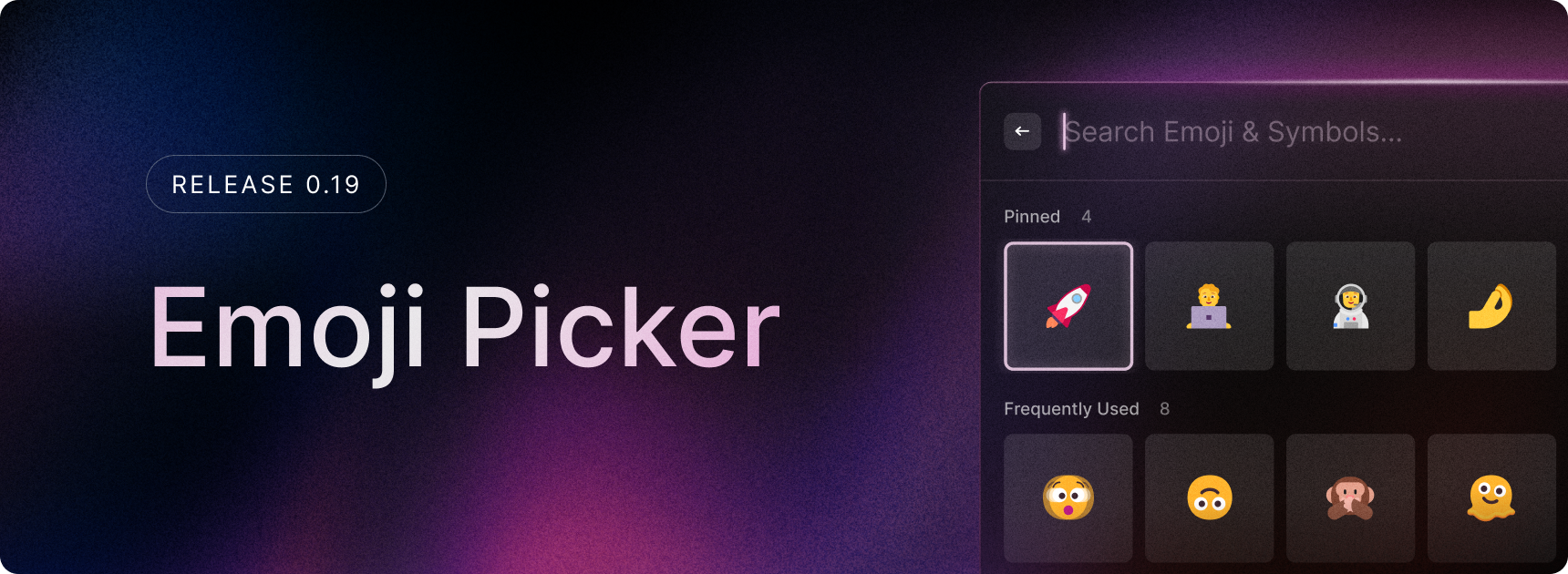
Today we are releasing the first iteration of our Emoji Picker 🎉 to help you express yourself quickly and easily!
In this first version you will be able to:
In the next release, we will be adding some Emoji Picker settings (grid size, preferred skin tone, etc) as well as support for adding hotkeys to commands, so there is more to look forward to this in the coming week(s)!